Skip to content
Time tracking teams agree to

Time tracking that takes you seamlessly
from Clock-In to Invoice.

A lightweight desktop app records time, activity and progress automatically — turning honest data into timesheets, payroll and client invoices nobody has to argue about.

Thomas SinclairAmelia ClarkeJames MercerMichael BrennanLaura WhitmanSarah WhitfieldDaniel BrooksTrusted by 1,200+ teams

Meet a few of them

NORTHWINDLumaflowCedar & CoVertexBrightPathMeridianKestrelOakline
Modules

Everything a tracker needs, already built in

The first clock-in, the approved timesheet at the end of the month, and every interval, screenshot and report in between.

Time tracking

One click starts the day; hours land on the right project.

Desktop app

Native, low-footprint builds for Windows, macOS and Linux.

Activity levels

Keyboard and mouse input, summarised — never keystrokes.

Idle detection

Idle spans are caught and asked about, not quietly billed.

Honest by construction

It measures the hours, it does not estimate them

Active and idle are rebuilt from the intervals that were actually captured. Nothing is rounded up, nothing is inferred, and every screen re-derives from the same record.

  • Reconstructed from real captures
  • Idle is asked about, not assumed
  • Every surface agrees
The weekly grind

Three things you will stop doing by hand

Timesheets

Stop rebuilding the timesheet

  • Hours arrive already split by project and task
  • Edit any interval in place, with the change logged
  • Approve a single entry or a whole week at once
  • An approved period is frozen — nothing rewrites it
  • Export the approved total straight to payroll
Activity and idle

Stop arguing about the hours

  • Active and idle rebuilt from the captured intervals
  • A long quiet span prompts the member, not the manager
  • Activity is aggregate input — never a keystroke log
  • Screenshots are optional, blurred on-device, or off
  • Everyone sees exactly what was recorded about them
Team and shifts

Stop chasing who started when

  • See who is tracking right now, and on what
  • Roster shifts, including windows that cross midnight
  • Late starts and early finishes flagged with a reason
  • Leave and holidays credited against expected hours
  • One Owesome login, with roles you already manage

Your first 5 people for $0

Automatic tracking, weekly timesheets and the desktop apps are free — not a 14-day trial. Add activity levels, screenshots and invoicing when you pass five.

  • Your data exports anytime
  • Email support included
Why teams switch

One record. No stopwatch. No spreadsheets

Captures feed the timesheet, the timesheet feeds approval, and approval feeds payroll — so the manual work stops.

Private by default

Screenshots blur on the device before they ever leave it, activity is aggregate, and every member can see their own record.

The day fills itself in

Intervals arrive as they happen, attach to whatever is being tracked, and become the week without anyone typing a number.

Ten reports, one number

The calendar, the timesheet and attendance all read the same captures, so no two screens can disagree about a total.

Operate with freedom

No stopwatch to remember, no sheet to reconcile, no end-of-month guesswork. Nothing takes their place.

On every machine

A tracker that lives on the desktop

Signed builds for Windows, macOS and Linux. It starts with the machine, keeps recording when the connection drops, and updates itself out of your team's way.

  • Windows, macOS and LinuxSigned installers, and a one-line install from the terminal.
  • Keeps tracking offlineCaptures buffer locally and sync themselves when you reconnect.
  • Updates itselfA new build applies on your next ordinary quit. Never mid-day.

curl -fsSL track.owesome.work/install.sh | bash

track.owesome.work
5:12:08Tracking
This week36h 48m
0%Activity levelAggregate input density.
Never keystroke logging.
Seat-based pricing

Pay for the seats you track

Simple per-member pricing, and only for the people actually running the tracker. Try any paid tier free for 14 days.

Free

For freelancers and small teams

Free

Start free
  • Up to 5 members
  • Automatic time tracking
  • Weekly timesheets
Most popular

Pro

For teams that bill by the hour

$5/ member / mo

Start 14-day trial
  • Unlimited members
  • Activity & productivity
  • Idle detection
  • Project budgets

Business

For agencies and larger teams

$8/ member / mo

Start 14-day trial
  • Everything in Pro
  • Invoicing & payroll reports
  • Manager dashboards
  • SSO

Prices shown per member / month, billed annually. Need SSO, SCIM or a signed DPA? Talk to sales.

(Testimonials)

Trusted by teams worldwide

Invoices go out on the first now. The hours were always there — we just could not see them.Sarah WhitfieldHead of DeliveryApproved hours land in payroll untouched. There is nothing left to reconcile.Laura WhitmanCFOThe team agreed to it because they can see their own record. That was the whole battle.Michael BrennanStudio DirectorIdle time is asked about rather than assumed, so nobody feels watched for taking a call.James MercerEngineering ManagerEvery report reads the same captures, so the board and the team see one number.Ryan HaleCOORosters across four time zones, and attendance still lands on the right day.Daniel BrooksVP OperationsSetup was one afternoon. The desktop app updated the whole fleet by itself.Amelia ClarkePeople Ops LeadOne tracker for a distributed team across three continents, and it keeps working offline.Thomas SinclairFounder

0%

Timesheets built from real captures

0 hrs

Reclaimed per week, per team

0

Clicks from tracked time to invoice

0+

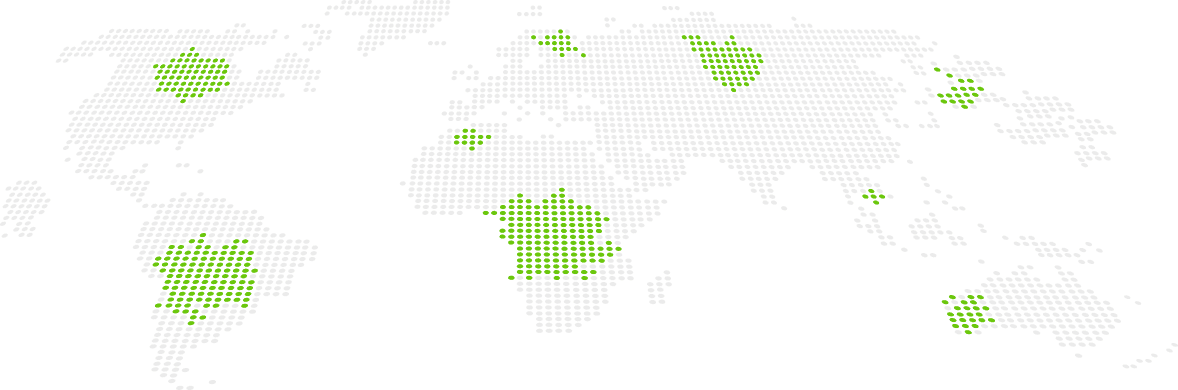
Countries tracking on Owesome

FAQ

The tracker, answered.

The questions teams ask before they roll it out — mostly about privacy, and rightly so.

Still deciding?

Talk to us about your privacy policy, your billing model and how the rollout usually goes. No demo theatre.

Book a demo

Yes. Screenshots are optional and configurable, activity is aggregated (never keystroke logging), and employees can always see exactly what’s recorded. You set the policy per team.

The desktop app keeps tracking offline and syncs when reconnected. Manual entries cover any work done away from the computer.

Set rates per project or person and generate branded invoices from approved hours in a couple of clicks.